

A computerized maintenance management system transforms how your organization tracks, schedules, and executes maintenance work. Instead of juggling spreadsheets, paper work orders, and manual tracking, you get a centralized platform that automates workflows, prevents equipment failures, and provides real-time visibility into your maintenance operations.
If you're managing maintenance with outdated methods—whether that's Excel spreadsheets, paper logs, or disconnected systems—you're likely dealing with reactive repairs, missed preventive maintenance, and limited visibility into equipment performance. This comparison breaks down exactly how a computerized maintenance management system stacks up against traditional approaches and helps you determine which path makes sense for your organization.
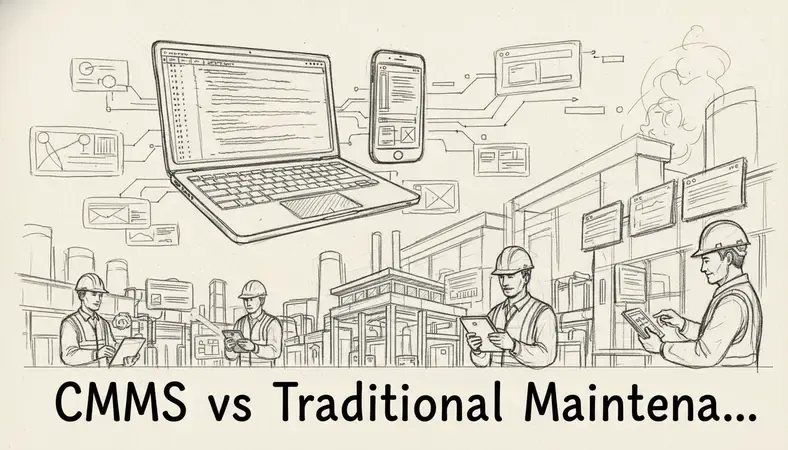
What Is a Computerized Maintenance Management System (CMMS)?
A computerized maintenance management system is software designed to centralize maintenance information and facilitate the processes of maintenance operations. It helps organizations track maintenance history, schedule preventive maintenance, manage inventory, and analyze equipment performance data.
The core purpose of any computerized maintenance management system is to shift maintenance from reactive to proactive. Instead of waiting for equipment to break down, you can schedule maintenance based on time intervals, usage metrics, or condition monitoring data. This approach typically reduces maintenance costs by 12-18% and increases equipment uptime by 20-25%.
Modern computerized maintenance management system platforms include features like:
- Work Order Management: Digital creation, assignment, and tracking of maintenance tasks
- Preventive Maintenance Scheduling: Automated scheduling based on time, usage, or condition triggers
- Asset Management: Complete equipment records with specifications, manuals, and maintenance history
- Inventory Control: Parts tracking, automatic reorder points, and vendor management
- Mobile Access: Field technicians can access work orders and update status from mobile devices
- Reporting and Analytics: Performance dashboards and maintenance KPIs
CMMS vs Traditional Maintenance Management
The fundamental difference between a computerized maintenance management system and traditional methods lies in data accessibility and process automation. Traditional maintenance relies on manual processes, paper documentation, and reactive approaches. A computerized maintenance management system digitizes these processes and enables proactive maintenance strategies.
Comparison of Maintenance Management Approaches
| Aspect | Traditional Methods | Computerized Maintenance Management System |
|---|---|---|
| Work Orders | Paper forms, phone calls, verbal requests | Digital work orders with automated routing |
| Scheduling | Manual calendars, whiteboards, spreadsheets | Automated scheduling based on multiple triggers |
| Asset Records | Paper files, scattered documentation | Centralized digital asset database |
| Inventory | Manual counts, paper logs | Real-time inventory tracking with alerts |
| Reporting | Manual data collection, basic spreadsheets | Automated reports and performance analytics |
| Mobile Access | No field access to information | Mobile apps for real-time updates |
Traditional maintenance management typically involves:
- Reactive Approach: Equipment runs until it breaks, then gets repaired
- Manual Documentation: Paper work orders, handwritten logs, filing cabinets
- Limited Visibility: No real-time status updates or performance metrics
- Disconnected Processes: Separate systems for scheduling, inventory, and documentation
- Time-Intensive Administration: Manual data entry and report generation
A computerized maintenance management system approach emphasizes:
- Proactive Strategy: Scheduled maintenance prevents failures before they occur
- Digital Workflows: Automated work order creation, routing, and completion tracking
- Real-Time Visibility: Dashboard views of equipment status, work order progress, and KPIs
- Integrated Processes: Single platform connecting all maintenance activities
- Data-Driven Decisions: Analytics inform maintenance strategies and resource allocation
Key Features and Capabilities of CMMS Software
A computerized maintenance management system provides capabilities that simply aren't possible with traditional manual methods. These features work together to create a comprehensive maintenance management ecosystem.
Work order management forms the foundation of any computerized maintenance management system. Digital work orders can be created automatically based on preventive maintenance schedules, submitted by staff through web portals, or generated from equipment monitoring systems. Each work order includes detailed instructions, required parts, estimated labor hours, and safety procedures. Technicians receive assignments on mobile devices and can update status, record time, and attach photos in real-time.
Preventive maintenance scheduling automates the most critical aspect of proactive maintenance. The computerized maintenance management system can schedule maintenance based on:
- Time intervals (weekly, monthly, annually)
- Usage metrics (operating hours, production cycles)
- Condition monitoring data (vibration, temperature, pressure)
- Calendar events (seasonal preparations, regulatory inspections)
Asset management capabilities provide complete equipment lifecycle tracking. Each asset record includes specifications, warranty information, maintenance history, associated documentation, and cost tracking. This creates an institutional knowledge base that survives personnel changes and supports better decision-making about repairs versus replacements.
Inventory control integration ensures parts availability without excess carrying costs. The computerized maintenance management system tracks parts usage by equipment and work order, maintains reorder points, and can automatically generate purchase orders when stock levels drop below thresholds.
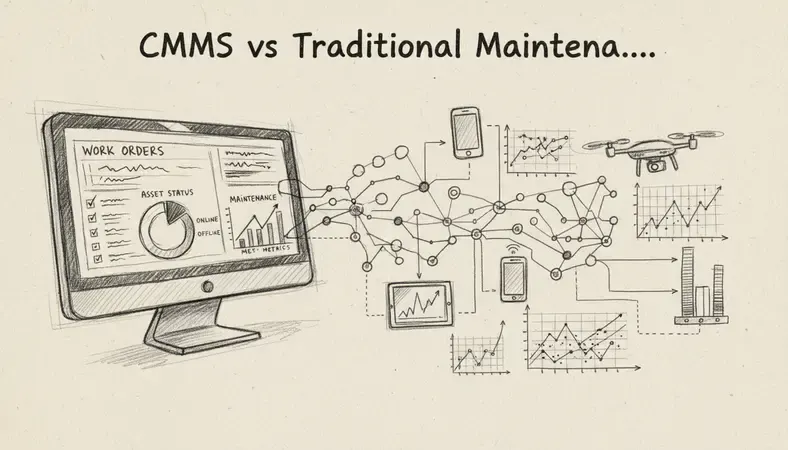
Implementation Best Practices for CMMS
Successful computerized maintenance management system implementation requires careful planning and phased execution. Organizations that rush implementation or skip foundational steps often struggle with user adoption and data quality issues.
Data Migration and Cleanup represents the most time-intensive phase of computerized maintenance management system implementation. Start by auditing existing maintenance data—equipment lists, maintenance procedures, parts inventory, and vendor information. Clean and standardize this data before migration. Incomplete or inaccurate data will undermine the computerized maintenance management system's effectiveness from day one.
User Training and Change Management determines implementation success more than software features. Maintenance technicians accustomed to paper processes need comprehensive training on digital workflows. Provide hands-on training sessions, create quick reference guides, and designate super users who can support their colleagues during the transition period.
Phased rollout strategy reduces implementation risk and allows for process refinement. Consider this approach:
- Phase 1: Set up asset database and basic work order functionality
- Phase 2: Implement preventive maintenance scheduling
- Phase 3: Add inventory management and purchasing integration
- Phase 4: Deploy mobile access and advanced reporting
Integration planning ensures the computerized maintenance management system connects with existing business systems. Common integrations include:
- Enterprise Resource Planning (ERP) systems for financial data
- Human Resources Information Systems (HRIS) for employee information
- Building Management Systems (BMS) for automated work order generation
- Document management systems for technical documentation
CMMS Integration with Document Management Systems
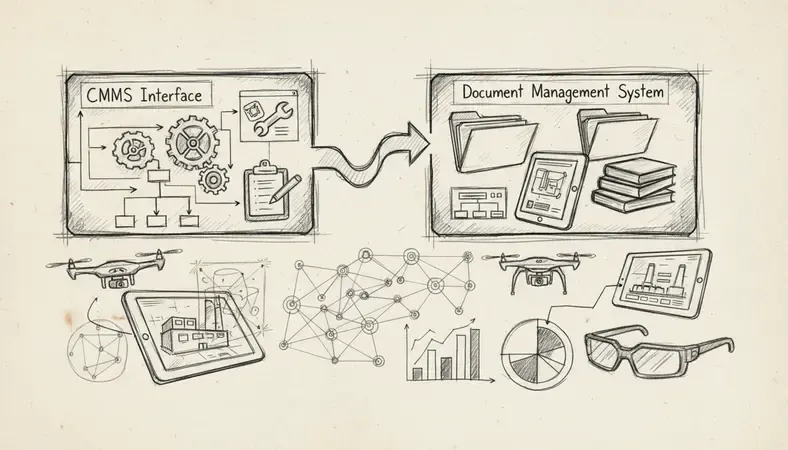
Document management integration enhances computerized maintenance management system capabilities by providing centralized access to technical documentation, compliance records, and maintenance procedures. This integration eliminates the time technicians spend searching for manuals, safety procedures, and compliance documentation.
Technical documentation access through document management integration allows technicians to access equipment manuals, wiring diagrams, and troubleshooting guides directly from work orders. When a computerized maintenance management system links to a document management system like LogicalDOC, technicians can pull up relevant documentation without leaving their primary workflow.
Compliance documentation becomes more manageable when the computerized maintenance management system integrates with document management. Safety procedures, environmental compliance records, and regulatory inspection reports can be automatically linked to specific equipment or maintenance activities. This integration supports audit trails and ensures technicians have access to current procedures.
Version control for maintenance procedures benefits from document management integration. When maintenance procedures are updated, the document management system ensures technicians always access the latest version. This reduces errors caused by outdated procedures and supports continuous improvement initiatives.
Automated documentation workflows can trigger document creation based on computerized maintenance management system activities. For example, completing a major repair might automatically generate a maintenance report in the document management system, or equipment inspections could trigger compliance documentation updates.
ROI and Cost-Benefit Analysis of CMMS
The financial impact of implementing a computerized maintenance management system typically becomes apparent within 6-12 months. Organizations consistently report measurable improvements in maintenance efficiency, equipment uptime, and cost control.
Direct cost savings from computerized maintenance management system implementation include:
- Reduced Emergency Repairs: Preventive maintenance typically reduces emergency repair costs by 25-30%
- Labor Efficiency: Digital workflows and mobile access improve technician productivity by 15-20%
- Inventory Optimization: Better parts management reduces inventory carrying costs by 10-15%
- Extended Equipment Life: Proactive maintenance extends asset lifecycles by 20-30%
Indirect benefits often exceed direct savings:
- Improved Safety: Better maintenance documentation and procedure compliance reduce workplace incidents
- Regulatory Compliance: Automated documentation supports audit requirements and reduces compliance risks
- Data-Driven Decisions: Performance analytics inform capital planning and resource allocation
- Knowledge Retention: Digital documentation preserves institutional knowledge when experienced technicians retire
Implementation costs for a computerized maintenance management system typically include:
- Software licensing (subscription or perpetual)
- Implementation services and training
- Data migration and system integration
- Hardware (mobile devices, additional servers if on-premise)
Most organizations achieve positive ROI within 12-18 months, with annual savings of 15-25% of total maintenance costs being common. The key is measuring baseline performance before implementation to accurately track improvements.
Top CMMS Solutions and Vendor Comparison
The computerized maintenance management system market includes solutions ranging from simple work order systems to comprehensive enterprise asset management platforms. Choosing the right solution depends on organization size, industry requirements, and integration needs.
Comparison of Leading CMMS Platforms
| Solution | Best For | Key Strengths | Deployment Options |
|---|---|---|---|
| UpKeep | Small to medium facilities | Mobile-first design, ease of use | Cloud-based |
| Maintenance Connection | Enterprise organizations | Comprehensive features, customization | Cloud and on-premise |
| Fiix | Manufacturing facilities | Integration capabilities, analytics | Cloud-based |
| IBM Maximo | Large enterprises | Advanced analytics, IoT integration | Cloud and on-premise |
| FTMaintenance | Budget-conscious organizations | Cost-effective, core functionality | Cloud and on-premise |
Cloud vs. On-Premise Deployment represents a key decision point. Cloud-based computerized maintenance management systems offer faster implementation, automatic updates, and lower upfront costs. On-premise solutions provide greater customization options and data control but require more IT resources.
Industry-Specific Features may influence computerized maintenance management system selection:
- Manufacturing: Integration with production systems, OEE tracking
- Healthcare: Biomedical equipment management, regulatory compliance
- Facilities Management: Space management, energy monitoring
- Fleet Management: Vehicle tracking, fuel management
Vendor evaluation criteria should include:
- Implementation timeline and support quality
- Integration capabilities with existing systems
- Mobile functionality for field technicians
- Reporting and analytics capabilities
- Total cost of ownership over 3-5 years
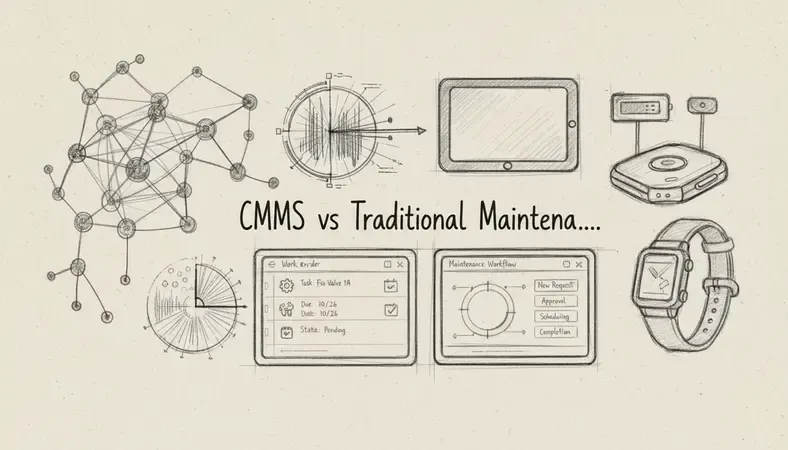
Common Questions About CMMS
What's the difference between CMMS and EAM software?
A computerized maintenance management system focuses primarily on maintenance operations—work orders, preventive maintenance, and parts management. Enterprise Asset Management (EAM) software includes these capabilities but extends into broader asset lifecycle management, including procurement, financial tracking, and strategic planning. EAM systems are typically used by larger organizations with complex asset portfolios, while computerized maintenance management systems serve organizations primarily focused on operational maintenance.
How long does CMMS implementation typically take?
Computerized maintenance management system implementation timelines vary based on organization size and complexity. Small to medium organizations can typically complete implementation in 2-4 months, while enterprise deployments may require 6-12 months. The timeline includes data migration, system configuration, user training, and phased rollout. Organizations with clean existing data and clear processes generally implement faster than those requiring significant data cleanup or process redesign.
Can a CMMS integrate with existing business systems?
Modern computerized maintenance management systems are designed for integration with existing business systems. Common integrations include ERP systems for financial data, HRIS for employee information, and procurement systems for purchasing workflows. Most computerized maintenance management system vendors provide pre-built connectors for popular business applications, while custom integrations can be developed for specialized systems. API availability and integration capabilities should be key evaluation criteria during vendor selection.
What training is required for CMMS users?
Computerized maintenance management system training requirements depend on user roles and technical comfort levels. Maintenance technicians typically need 4-8 hours of hands-on training covering mobile app usage, work order completion, and basic data entry. Supervisors and planners require additional training on scheduling, reporting, and administrative functions. Most vendors provide implementation training, online resources, and ongoing support. Organizations should plan for refresher training and new employee onboarding processes.
How much does a CMMS cost?
Computerized maintenance management system costs vary significantly based on features, user count, and deployment model. Cloud-based solutions typically charge per user per month, ranging from $35-150 per user depending on functionality. Enterprise solutions may use different pricing models based on asset count or facility size. Implementation costs, training, and integration services add to the total investment. Organizations should evaluate total cost of ownership over 3-5 years rather than focusing solely on software licensing costs.
Key Takeaways
A computerized maintenance management system transforms maintenance from reactive firefighting to proactive asset management. While traditional methods may work for very small operations, organizations with significant equipment investments benefit substantially from computerized maintenance management system implementation. The key is choosing a solution that matches your organization's size, complexity, and integration requirements.
Streamline your maintenance operations with LogicalDOC — integrate your computerized maintenance management system with comprehensive document management for complete operational visibility and compliance support. Ready to get started? Visit LogicalDOC to learn more.

Latest posts by Cristian Fulger (see all)
- Document Management Explained - 09/01/2026
- Open Source Document Management System - 08/25/2026
- Business Document Management Explained - 08/19/2026
- Document Management Benefits Explained - 08/11/2026
- Best Document Management Systems Compared - 08/05/2026