Customer service management systems transform how businesses handle customer interactions, turning scattered support requests into organized workflows that actually get resolved. Instead of juggling emails, phone calls, and chat messages across different platforms, these systems create a single hub where your team can track, prioritize, and resolve every customer issue efficiently.
For small businesses and medium-sized companies dealing with growing customer demands, a customer service management system becomes essential infrastructure. This guide walks you through exactly what these systems do, how to choose the right one, and how to implement it successfully in your organization.
What Is a Customer Service Management System?
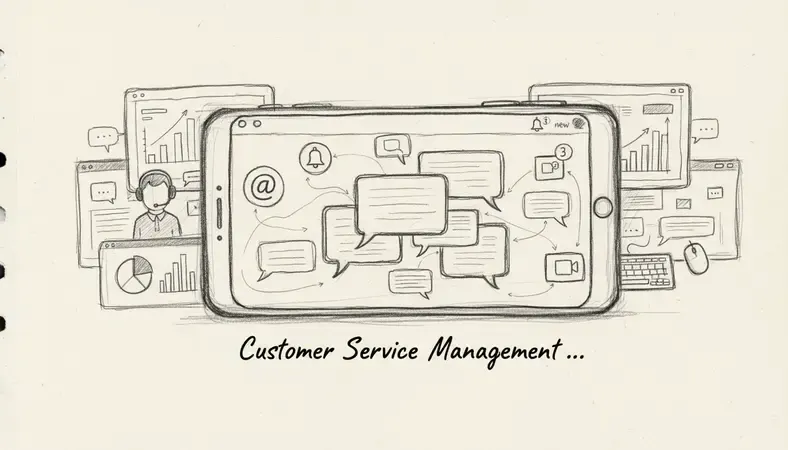
A customer service management system is a centralized platform that captures, organizes, and tracks all customer interactions across multiple communication channels. Think of it as mission control for your customer support operation—every email, chat message, phone call, and social media mention gets funneled into one organized workspace where your team can respond effectively.
The system automatically converts customer inquiries into trackable tickets, assigns them to the right team members, and maintains a complete history of each customer relationship. This means no more lost emails, forgotten follow-ups, or customers repeating their problems to different representatives.
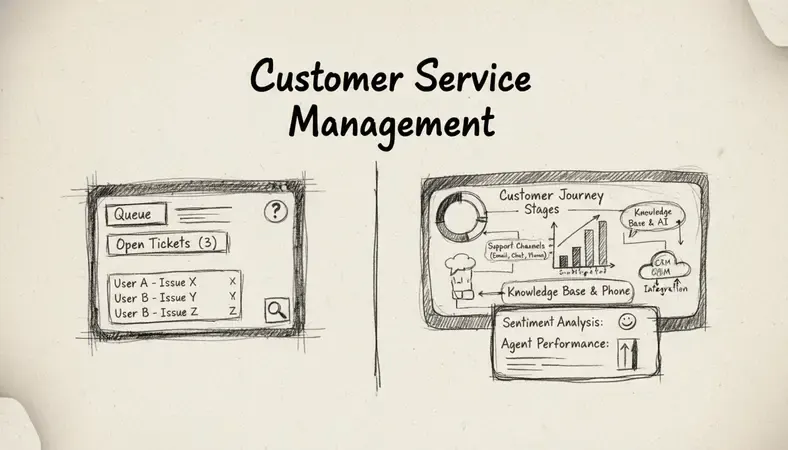
Unlike basic help desk software that focuses primarily on ticket management, a customer service management system encompasses broader customer relationship functions. It tracks customer satisfaction, analyzes support trends, and integrates with other business tools to provide context about each customer's history and value to your organization.
Key Insight: The difference between good and great customer service often comes down to organization and follow-through—exactly what these systems excel at providing.
Key Features of Customer Service Management Systems
Modern customer service management systems include several core capabilities that distinguish them from simpler ticketing tools:
Multi-Channel Communication Hub
- Email Integration: Automatically converts customer emails into trackable tickets with complete conversation history
- Live Chat: Real-time messaging with customers directly through your website or app
- Phone System Integration: Links call records with customer profiles and creates tickets from voicemails
- Social Media Monitoring: Tracks mentions and messages across Facebook, Twitter, LinkedIn, and other platforms
- Self-Service Portal: Customer-facing knowledge base where users can find answers and submit requests
Intelligent Ticket Management
- Automatic Routing: Routes tickets to the right team or individual based on predefined rules and expertise areas
- Priority Classification: Automatically categorizes requests by urgency, customer tier, or issue type
- SLA Tracking: Monitors response and resolution times against your service level agreements
- Escalation Workflows: Automatically escalates unresolved tickets to supervisors or specialists
- Bulk Operations: Handles multiple similar tickets simultaneously to improve efficiency
Customer Relationship Context
- Unified Customer Profiles: Combines support history, purchase records, and interaction timeline in one view
- Account Linking: Connects multiple contacts from the same organization for B2B support scenarios
- Interaction History: Maintains complete records of all previous communications and resolutions
- Customer Satisfaction Tracking: Surveys customers after resolution and tracks satisfaction trends
- VIP Customer Identification: Flags high-value customers for priority treatment
Customer Service Management vs Help Desk Software
Understanding the distinction between customer service management systems and traditional help desk software helps you choose the right solution for your organization's needs.
Comparison of Support System Types
| Feature | Help Desk Software | Customer Service Management System |
|---|---|---|
| Primary Focus | Ticket resolution | Complete customer relationship |
| Communication Channels | Email, basic chat | Email, chat, phone, social media, SMS |
| Customer Context | Limited ticket history | Full relationship timeline and business context |
| Reporting Scope | Ticket metrics only | Customer satisfaction, business impact, trend analysis |
| Integration Capabilities | Basic email and calendar | CRM, sales, billing, marketing automation |
| Self-Service Options | Simple FAQ page | Comprehensive knowledge base with search and community features |
Help desk software excels when your primary need is organizing and resolving technical support tickets efficiently. These systems work well for IT departments, SaaS companies with straightforward technical issues, or organizations where customer interactions are primarily transactional.
Customer service management systems become essential when customer relationships matter beyond individual transactions. They're ideal for businesses where understanding customer history, preferences, and business value directly impacts how you provide support.
When to Choose Each Option
Choose Help Desk Software When: * Your support volume is primarily technical troubleshooting * Customer interactions are mostly one-time transactions * Your team focuses on ticket resolution speed over relationship building * Budget constraints limit investment in comprehensive customer management
Choose Customer Service Management System When: * Customer relationships drive repeat business and referrals * Support interactions require context from sales, billing, or account management * Multiple departments need visibility into customer communications * Customer satisfaction and retention are key business metrics
Integration with Document Management Systems
Customer service management systems generate and require substantial documentation—from knowledge base articles and standard operating procedures to customer communication records and compliance documentation. Integration with document management systems like LogicalDOC creates a powerful combination for organizations that handle complex customer relationships.
Document-Intensive Customer Service Scenarios
Organizations in regulated industries face unique documentation challenges in customer service. Financial services companies must maintain detailed records of customer communications for compliance purposes. Healthcare organizations need secure document sharing capabilities for patient support. Legal firms require version control for client document exchanges.
A customer service management system integrated with LogicalDOC enables automatic document capture from customer interactions, secure sharing of sensitive materials, and comprehensive audit trails that satisfy regulatory requirements.
Workflow Automation Benefits
- Automatic Document Creation: Generate customer communication summaries, incident reports, and resolution documentation automatically
- Version Control Integration: Track changes to knowledge base articles and ensure customer-facing teams access current information
- Secure Document Sharing: Provide customers secure access to contracts, statements, or technical documentation without email attachments
- Compliance Documentation: Maintain complete records of customer interactions with automatic retention policies
This integration becomes particularly valuable when customer service teams need to collaborate with other departments that rely heavily on document management, such as legal, compliance, or technical documentation teams.
Best Customer Service Management Platforms
Selecting the right customer service management system depends on your organization size, industry requirements, and integration needs. Here are the leading platforms across different categories:
Enterprise-Level Solutions
Salesforce service cloud offers comprehensive customer service management with deep CRM integration. Best for large organizations already using Salesforce ecosystem products, with advanced customization capabilities and robust reporting.
Microsoft Dynamics 365 Customer Service integrates seamlessly with Office 365 and provides strong analytics capabilities. Ideal for organizations heavily invested in Microsoft infrastructure.
ServiceNow Customer Service Management excels in complex enterprise environments with extensive workflow automation and ITSM integration capabilities.
Mid-Market Solutions
Zendesk provides user-friendly customer service management with strong multi-channel capabilities and extensive third-party integrations. Works well for growing companies that need comprehensive features without enterprise complexity.
Freshworks customer service suite offers good value with built-in phone system, chat, and ticketing in a single platform. Suitable for organizations wanting an all-in-one solution.
HubSpot Service Hub integrates naturally with HubSpot's marketing and sales platforms, making it ideal for companies using inbound marketing strategies.
Specialized Industry Solutions
Intercom focuses on conversational customer service with strong chat and messaging capabilities. Best for SaaS companies and digital-first businesses.
Help scout emphasizes simplicity and team collaboration, working well for small to medium businesses that prioritize ease of use over advanced features.
Implementation and Deployment Options
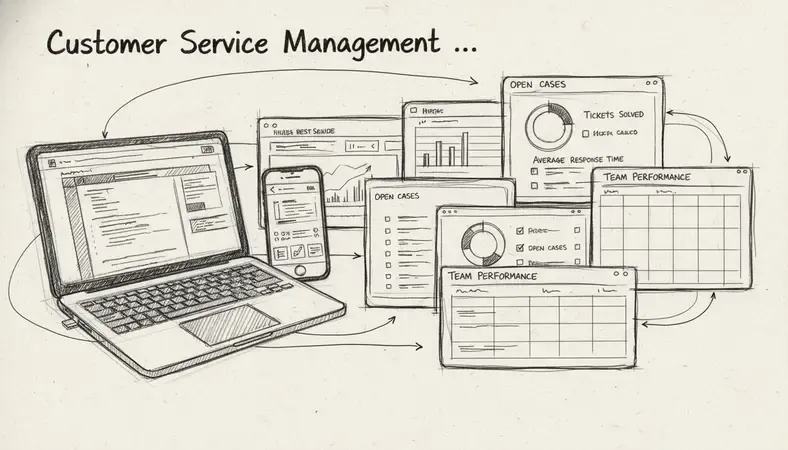
Successful customer service management system implementation requires careful planning around data migration, team training, and integration with existing business processes.
Implementation Planning Steps
- Current State Assessment: Document existing customer communication channels, response time goals, and team responsibilities
- Data Migration Strategy: Plan how to transfer existing customer records, ticket history, and knowledge base content
- Integration Requirements: Identify connections needed with CRM, billing, inventory, or other business systems
- Team Training Plan: Develop training schedules that minimize disruption to ongoing customer support operations
- Pilot Program Design: Start with a subset of customers or team members to test workflows before full deployment
Deployment Timeline Considerations
Most organizations require 2-4 months for complete customer service management system deployment, depending on complexity and customization needs. The timeline typically breaks down as follows:
- Weeks 1-2: System configuration and basic integrations
- Weeks 3-4: Data migration and testing
- Weeks 5-6: Team training and pilot program
- Weeks 7-8: Full deployment and workflow optimization
Common Implementation Challenges
Data quality issues: Existing customer records often contain duplicates, incomplete information, or inconsistent formatting. Plan time for data cleanup before migration.
Team resistance: Support teams comfortable with existing tools may resist change. Address concerns through hands-on training and clear communication about benefits.
Integration complexity: Connecting with existing CRM, billing, or inventory systems often takes longer than expected. Work with vendors early to understand integration requirements.
Workflow disruption: Maintain backup processes during implementation to ensure customer service continuity if technical issues arise.
ROI and Cost Considerations for Enterprises
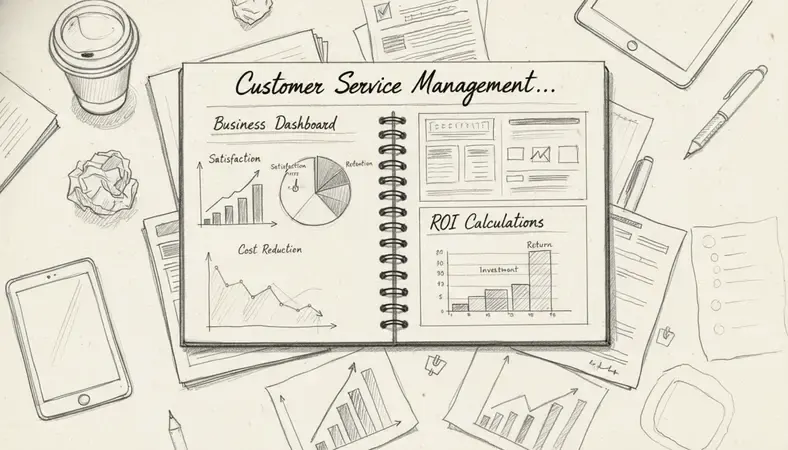
Customer service management systems represent significant investments that require clear ROI justification, particularly for enterprise implementations.
Cost Components Analysis
| Cost Category | Typical Range | Key Variables |
|---|---|---|
| Software Licensing | $50-200 per agent/month | Feature complexity, user volume, enterprise features |
| Implementation Services | $10,000-100,000+ | Customization needs, data migration complexity, integration requirements |
| Training and Change Management | $5,000-25,000 | Team size, system complexity, training format |
| Ongoing Support and Maintenance | 15-20% of license cost annually | Support level, customization extent, update frequency |
Measurable ROI Metrics
Response time improvement: Organizations typically see 40-60% reduction in average response times through automated routing and unified communication channels.
Resolution efficiency: First-call resolution rates often improve 25-35% when agents have complete customer context and integrated tools.
Customer satisfaction impact: Net Promoter Scores frequently increase 15-25 points within the first year of implementation.
Agent productivity: Support teams often handle 20-30% more cases with the same headcount due to workflow automation and better organization.
Break-Even Analysis
Most enterprise customer service management system investments reach break-even within 12-18 months when factoring in reduced staffing needs, improved customer retention, and operational efficiency gains. Organizations with high customer service volumes or complex support requirements often see faster payback periods.
The key to positive ROI lies in selecting systems that align with your specific customer service challenges rather than implementing comprehensive platforms that exceed your actual needs.
Common Questions About Customer Service Management Systems
How long does it take to implement a customer service management system?
Implementation timelines vary significantly based on organization size and complexity requirements. Small businesses with straightforward needs can often deploy basic systems within 2-4 weeks, while enterprise implementations typically require 2-4 months for complete deployment.
The timeline depends on several factors: existing data volume and quality, integration requirements with other business systems, customization needs, and team training requirements. Organizations with clean existing data and minimal integration needs deploy faster than those requiring extensive data cleanup or complex workflow customization.
Most vendors provide implementation timeline estimates during the sales process, but add 25-50% buffer time for unexpected challenges like data migration issues or integration complications.
Can customer service management systems integrate with existing CRM platforms?
Yes, modern customer service management systems offer extensive integration capabilities with popular CRM platforms including Salesforce, HubSpot, Microsoft Dynamics, and others. These integrations typically sync customer records, communication history, and case resolution data bidirectionally.
The depth of integration varies by platform combination. Some offer native integrations with real-time data sync, while others require third-party integration tools or custom API development. During vendor evaluation, request demonstrations of the specific CRM integration you need to understand data flow and any limitations.
Integration quality directly impacts user experience—seamless integrations eliminate duplicate data entry and provide complete customer context, while poor integrations create workflow friction that reduces system adoption.
What's the difference between customer service management and customer relationship management?
Customer service management systems focus specifically on support interactions, ticket resolution, and customer issue tracking. They excel at organizing and resolving customer problems efficiently across multiple communication channels.
Customer relationship management (CRM) systems take a broader approach, managing the entire customer lifecycle from lead generation through sales, support, and retention. CRM systems track sales opportunities, marketing campaigns, and revenue attribution alongside customer service interactions.
Many organizations use both systems with integration between them. The CRM maintains the master customer record and sales context, while the customer service management system handles detailed support workflows and ticket management. This combination provides comprehensive customer visibility without forcing sales teams to work in support-focused interfaces.
How do these systems handle customer data privacy and security?
Enterprise-grade customer service management systems include comprehensive security features designed to protect sensitive customer information and comply with regulations like GDPR, HIPAA, and CCPA.
Security features typically include role-based access controls, data encryption in transit and at rest, audit logging of all system access, and automated data retention policies. Many platforms offer additional security certifications like SOC 2 Type II compliance for organizations with strict security requirements.
For organizations handling sensitive customer data, evaluate security features carefully during vendor selection. Request security documentation, understand data storage locations, and verify compliance with relevant industry regulations before making final decisions.
Final Thoughts
A customer service management system transforms scattered support interactions into organized, efficient workflows that improve both customer satisfaction and team productivity. The key to success lies in choosing a system that matches your organization's specific needs rather than implementing comprehensive platforms that exceed your actual requirements.
Streamline your customer service operations with LogicalDOC — organize customer documents, communication records, and support workflows in one secure, searchable platform designed for growing businesses. Ready to get started? Visit LogicalDOC to learn more.

Latest posts by Cristian Fulger (see all)
- Understanding Project Management Softwares - 03/22/2026
- Customer Service Management System Made Simple - 03/21/2026
- Inventory Management Program Tools & Resources - 03/20/2026
- Inventory Management Software Showdown - 03/19/2026
- How to Set Up a Maintenance Management System - 03/18/2026